How to Navigate the Canada Revenue Agency’s Notice of Assessment
Why the CRA Notice of Assessment Matters
Every Canadian taxpayer receives a CRA Notice of Assessment (NOA) after filing taxes. But for many, it feels like a confusing letter filled with numbers and technical jargon. Understanding your NOA is crucial—it confirms whether you owe money, will receive a refund, or need to address errors in your tax return.
If you’ve ever asked, “How do I read my CRA Notice of Assessment?” or “What does this mean for my RRSP and tax credits?”—this guide will walk you through everything step by step.
👉 At Taxease, we specialize in helping Canadians file taxes with confidence and interpret CRA notices correctly to maximize refunds and avoid penalties.
What Is a CRA Notice of Assessment?
Your Notice of Assessment is the CRA’s official response to your filed tax return. Think of it as your personal “report card” for taxes—it confirms what you submitted, highlights any corrections, and provides a summary of your tax situation.
Key Information on an NOA Includes:
Whether you’re getting a refund or owe taxes
Your RRSP deduction limit for the upcoming year
Carry-forward amounts like unused tuition credits
Any interest or penalties applied
Explanations of adjustments made by the CRA
How to Access Your Notice of Assessment
There are two main ways to check your NOA:
1. CRA My Account (Online)
Log in through CRA My Account
View and download past and current NOAs instantly
Faster than waiting for mail delivery
2. By Mail
Delivered a few weeks after filing taxes
Slower, but useful if you prefer physical copies
💡 Pro Tip: If you use NETFILE-certified tax software like the one from Taxease, you can receive your NOA through the Express NOA service—often within minutes of filing.
Breaking Down the CRA Notice of Assessment
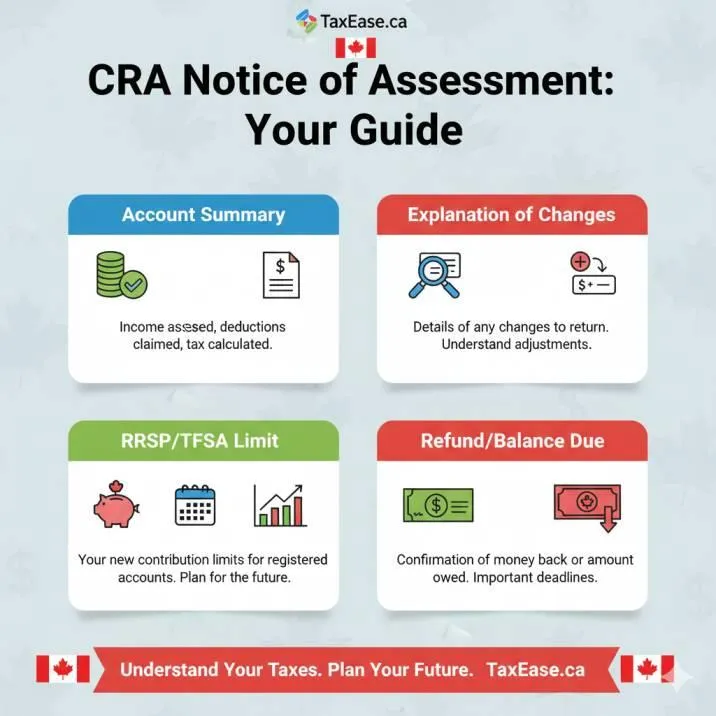
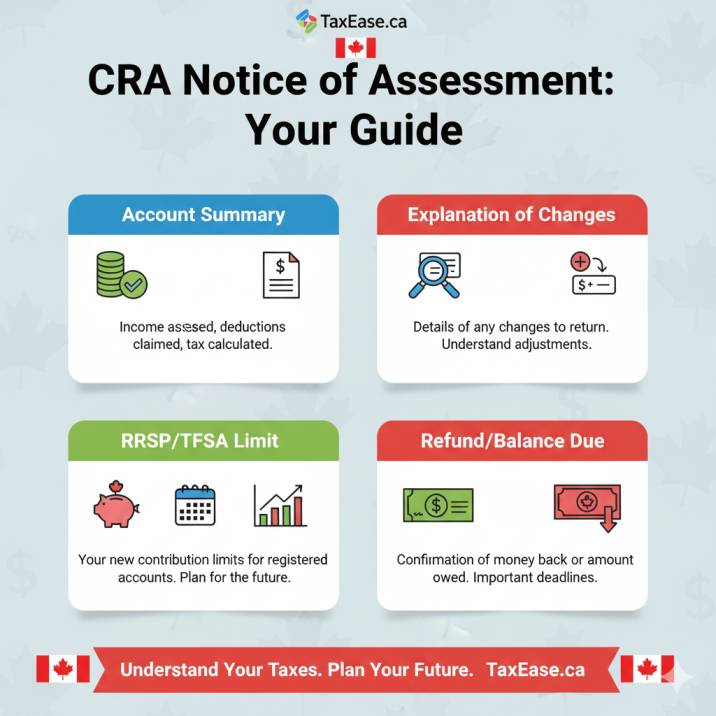
1. Account Summary
Shows refund or balance due
Includes penalties and interest if applicable
2. Explanation of Changes
Details corrections CRA made to your return
Crucial if you see a different result than expected
3. RRSP Deduction Limit
Your maximum RRSP contribution room for the next tax year
Important for retirement savings planning
4. Carry-Forward Amounts
Tuition, charitable donations, capital losses
Helps reduce future taxes

Common Issues Found in an NOA
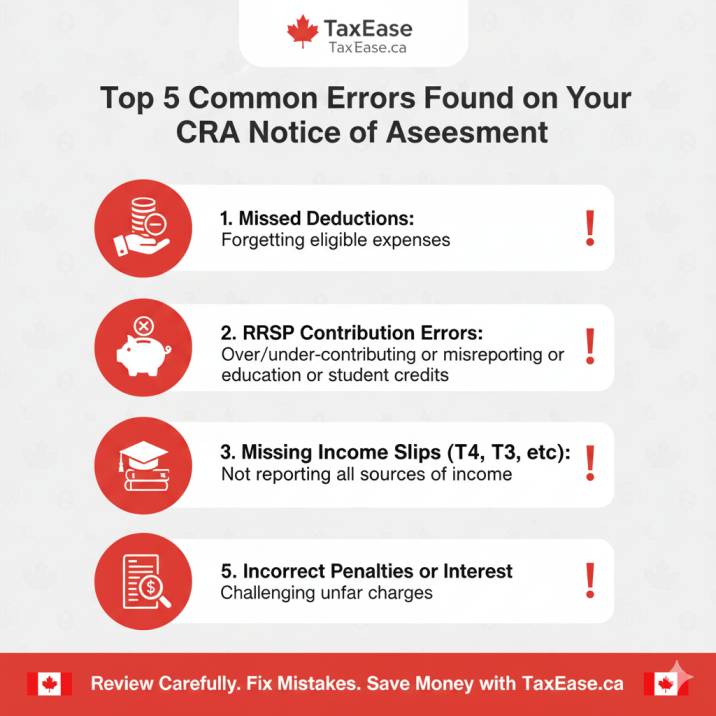
Even if you think you filed correctly, mistakes happen. Some of the most common issues include:
Missed or disallowed deductions (e.g., medical expenses, moving costs)
Incorrect RRSP contribution reporting
Tuition or education credits not applied
Miscalculated income if slips were forgotten
What to Do If You Disagree with Your CRA Notice of Assessment
Step 1 – Double Check Your Return
Compare your return with the NOA details. Sometimes the CRA is correct, and the error was on your end.
Step 2 – Call CRA for Clarification
A quick call can often resolve minor issues or confirm why adjustments were made.
Step 3 – File a Notice of Objection
Use Form T400A if you strongly disagree
Must be filed within 90 days of receiving your NOA
Starts the formal dispute process
🔗 Learn more directly from the CRA Notice of Objection Guide.
NOA and Your Financial Life
Your Notice of Assessment isn’t just a tax document—it has broader financial uses:
Mortgage Applications – Lenders often request your NOA as proof of income.
Student Loan Repayment – Confirms your reported income for repayment calculations.
Retirement Planning – Provides your RRSP room, essential for tax-deferred investing.
💡 Pro Tip: If you’re self-employed, your NOA may be one of the most important financial documents you’ll need for business loans or credit applications.
NOA vs Notice of Reassessment
Many Canadians confuse the two.
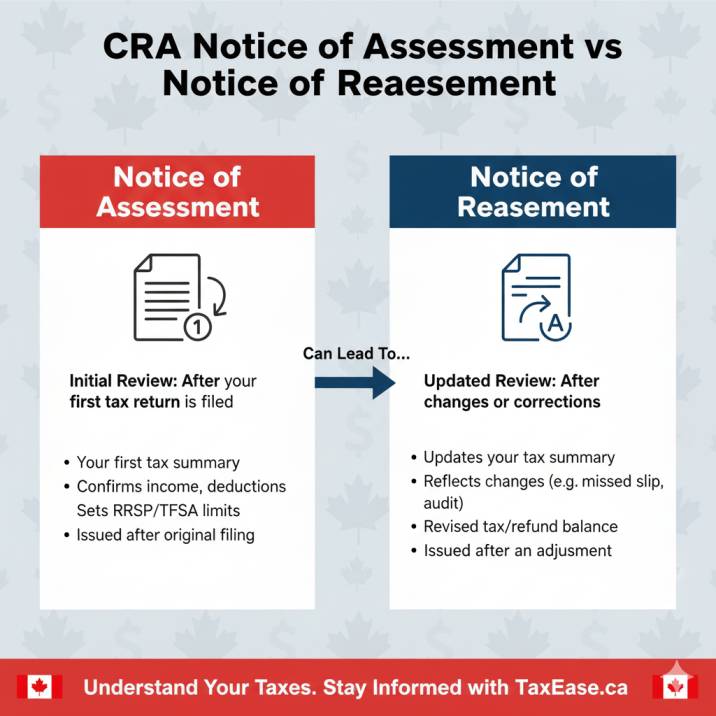
Notice of Assessment (NOA): Issued after your initial tax return filing.
Notice of Reassessment (NOR): Issued when CRA reviews your return again—either due to new information or a correction.
Avoiding CRA Penalties and Interest
Your NOA may highlight penalties or interest. To avoid this:
File on time (even if you can’t pay immediately)
Report all income (CRA cross-checks T-slips)
Keep receipts for deductions and credits
👉 Using Taxease ensures you claim all eligible deductions while filing on time, minimizing costly errors.
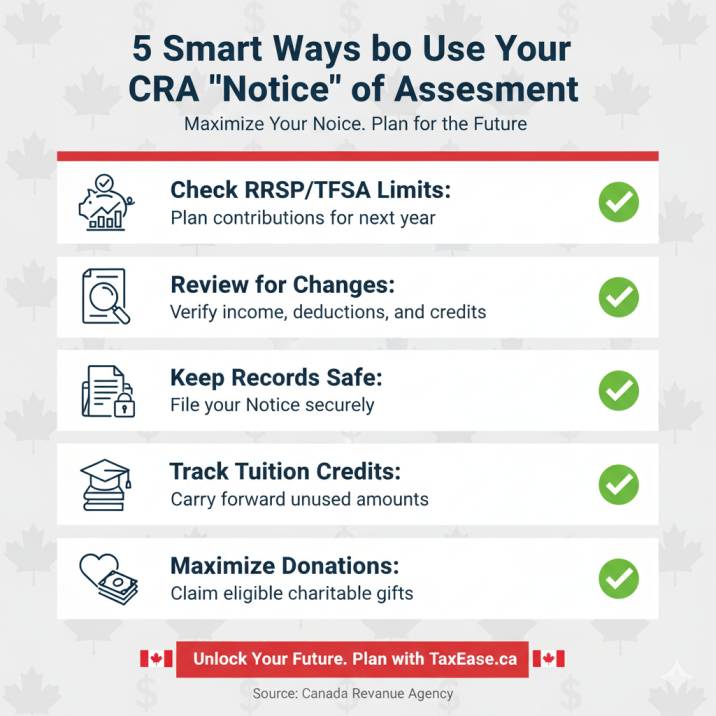
Quick Tips for Using Your NOA Effectively
Track your RRSP limit each year to avoid over-contribution penalties
Review the Explanation of Changes carefully—don’t ignore it
Keep digital and paper copies of NOAs for at least 6 years
Use carry-forward balances (e.g., tuition, donations) strategically
Making Your NOA Work for You
Your CRA Notice of Assessment is more than just a tax form—it’s a roadmap to maximizing your refunds, retirement savings, and future tax planning. Whether you’re checking your RRSP limit, disputing errors, or preparing for a mortgage application, understanding your NOA gives you a financial edge.
At Taxease, we make it easier for Canadians to file taxes, interpret NOAs, and unlock every deduction and credit available.
👉 Ready to take control of your taxes and avoid CRA surprises?
Start today with Taxease’s professional tax filing services for a stress-free, max refund guarantee.
